
We’ve all been there. The team identifies a gap in its process, a new, exciting tool is discovered, and after weeks of evaluation, a decision is finally made. The contract is signed, the software is installed, and for a moment, it feels like the job is done. But the truth is, the journey has just begun.
Choosing a tool is not the end of the story; it’s the first page of the first chapter. A tool is a living part of your technical ecosystem. Like any valuable asset, it has a lifecycle that needs to be managed with care and foresight from the day it arrives until the day it’s retired. Thinking about this full lifecycle is the difference between a tool becoming a strategic advantage and it becoming a piece of neglected “shelfware.”
Too often, teams pour all their energy into the selection process, only to neglect the crucial stages that follow. This leads to chaotic implementations, frustrated users, and a poor return on a significant investment. By understanding and planning for the four key stages of a tool’s life—Acquisition, Support and Maintenance, Evolution, and Retirement—you can ensure your tools deliver lasting value and don’t become a long-term headache.
The Cast of Characters: Owner vs. Administrator
Before we walk through the lifecycle stages, it’s essential to clarify two critical roles that must be filled for any tool to succeed. Without clear ownership and management, a tool is an orphan, and its lifecycle will be reactive and chaotic.
- The Tool Owner: This is the strategic role. The owner is the person who is ultimately accountable for the tool’s success and its value to the organization. They make the high-level decisions about how the tool should be used, champion its adoption, and secure the budget for its maintenance and evolution. They are focused on the “why.”
- The Tool Administrator: This is the hands-on, tactical role. The administrator is responsible for the day-to-day management of the tool—performing upgrades, managing user accounts, troubleshooting issues, and carrying out the policies set by the owner. They are focused on the “how.”
For a small tool, one person might wear both hats. For a large, enterprise-wide system, the owner might be a senior manager, while the administration is handled by a dedicated tools group. The key is that these roles are explicitly defined. When a tool administrator is appointed, it ensures that the practical activities of each lifecycle stage are defined, carried out, and managed effectively.
Stage 1: The Honeymoon Phase – Acquisition and Setup
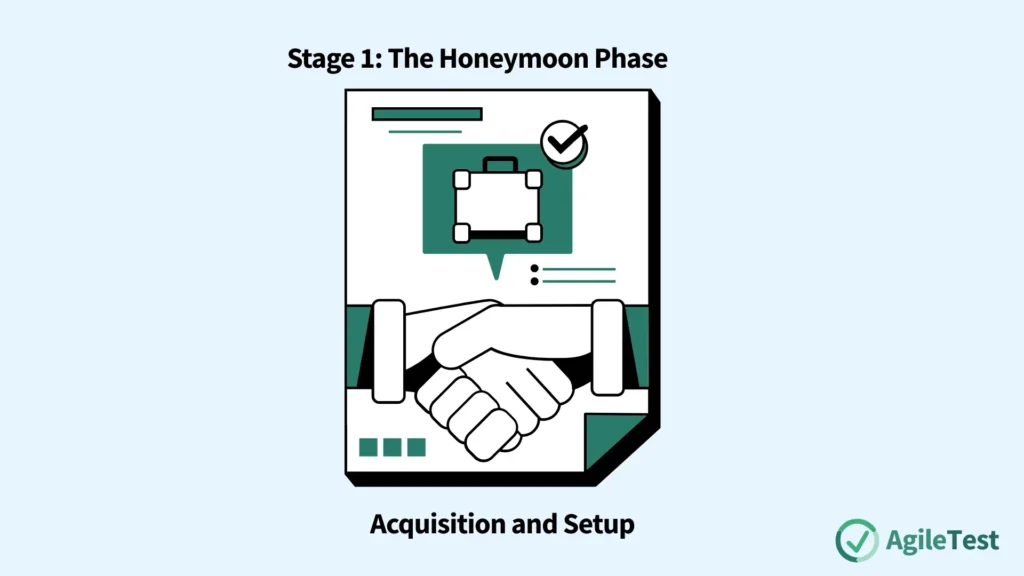
The lifecycle begins the moment a decision has been made to select a tool. The hard work of evaluation is over, and the excitement is high. This is the acquisition stage, and the decisions made here set the foundation for the tool’s entire future.
Assigning Ownership
The very next step after selection is to formally assign a tool owner. This person immediately becomes the central point of contact and the primary decision-maker for the tool. Without an owner, a tool enters the organization rudderless, leading to inconsistent usage and a lack of clear direction.
Making Upfront Decisions for a Better ROI
The new tool owner’s first job is critical: to make key decisions on the use of the tool before it’s widely rolled out. This might sound like premature bureaucracy, but making these decisions up front can make a significant difference in the eventual ROI of the tool. Two of the most important decisions are:
- Naming Conventions: How will we name projects, test suites, bug reports, or other work products within the tool? Agreeing on a consistent naming convention from day one prevents a chaotic, unsearchable mess from developing over time.
- Storage and Organization: Where will the work products created by the tool be stored? How will they be organized? Should they be linked to a specific version control branch?
Discover the AgileTest report feature that helps you track and trace issues with detailed reports here
Think of it like setting up a new filing cabinet for the entire office. If you let everyone create their own folder structures and naming systems, you’ll have chaos within a month. If you establish a clear, logical system from the beginning, the cabinet remains a useful and efficient resource for years. The same principle applies to your tools.
Learn how to select a tool effectively with our article: Test Tool Selection Playbook: From Stakeholder Roundtable to ROI
Stage 2: The Daily Grind – Support and Maintenance
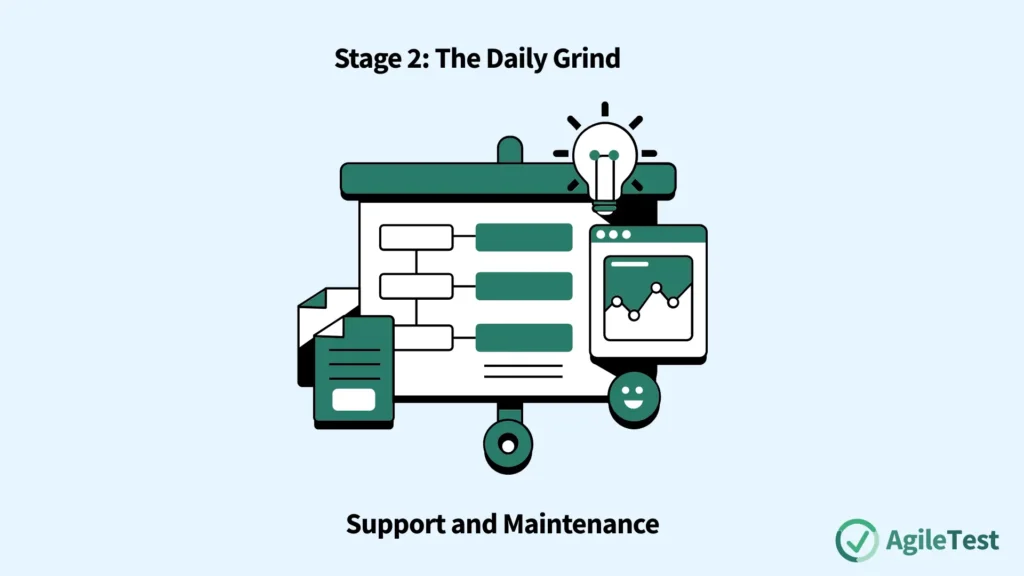
Once the tool is set up and people start using it, you enter the longest and most critical phase of the lifecycle: support and maintenance. This is the daily work required to keep the tool healthy, reliable, and valuable.
Accountability and Responsibility
As mentioned, the tool owner is accountable for maintaining the tool. They ensure that a maintenance plan exists and that the necessary resources are allocated. However, the hands-on work—the responsibility for maintenance activities—should be on the administrator of the tool or a dedicated tools group. This clear division of labor ensures that strategic oversight and tactical execution are both handled effectively.
Playing Nicely with Others
Few tools live in isolation. They are part of a larger ecosystem, and their ability to communicate with other tools is crucial. During the maintenance phase, interoperability, data interchange and processes for cooperation and communication must be considered. If your test automation tool needs to pull test cases from your test management tool and push results to your CI/CD dashboard, the administrator must ensure these integrations are stable, secure, and maintained through every version upgrade.
Install AgileTest, a plugin apps for Test management of Jira, support a wide range of integrations now
The Safety Net: Backup and Restoration
This is one of the most critical, yet frequently overlooked, aspects of tool maintenance. The artifacts generated by your tools—test results, defect histories, performance data—are incredibly valuable assets. What happens if the server hosting your test management tool fails? Without a plan, years of valuable data could be lost forever.
It is essential that decisions on backup and restoration of artefacts related to the tool are required. The tool owner must ensure that a robust backup strategy is in place, that it is tested regularly, and that there is a clear, documented process for restoring the data in case of a disaster. This is the non-negotiable insurance policy for your investment.
Explore how to introducea new tool to your team with our article: The Right Tool for the Job: My Playbook for Introducing New Tools Without the Chaos
Stage 3: The Winds of Change – Evolution
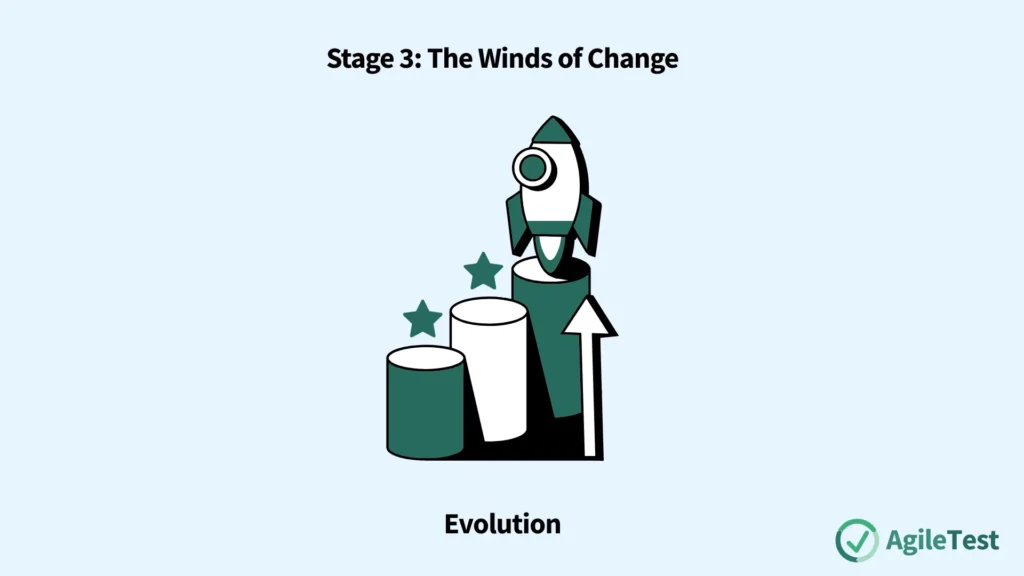
No tool or process remains static for long. The third stage of the lifecycle is evolution, where the tool must adapt to a changing world. As the source material notes, as time goes on, the environment, business needs, or vendor decisions can require changes to the tool.
The drivers of evolution are numerous:
- Environment Changes: Your company might migrate its infrastructure to the cloud, or the development team might adopt a new programming language, requiring your tools to adapt.
- Business Needs: The business may expand into a new market, requiring your testing tools to support a new language or currency.
- Vendor Decisions: The tool vendor will release new versions with new features, bug fixes, or sometimes, breaking changes to their APIs.
This stage is fraught with risk. The more complex an operating environment becomes for a tool, the easier a change can disrupt its use. A seemingly minor tool upgrade can have unforeseen ripple effects, breaking integrations or disrupting established workflows. The role of the tool owner and administrator during this phase is to be a careful change manager. They must evaluate upgrades in a staging environment, communicate upcoming changes clearly to all users, provide updated training and documentation, and manage the rollout process to minimize disruption.
Stage 4: The Final Chapter – Retirement
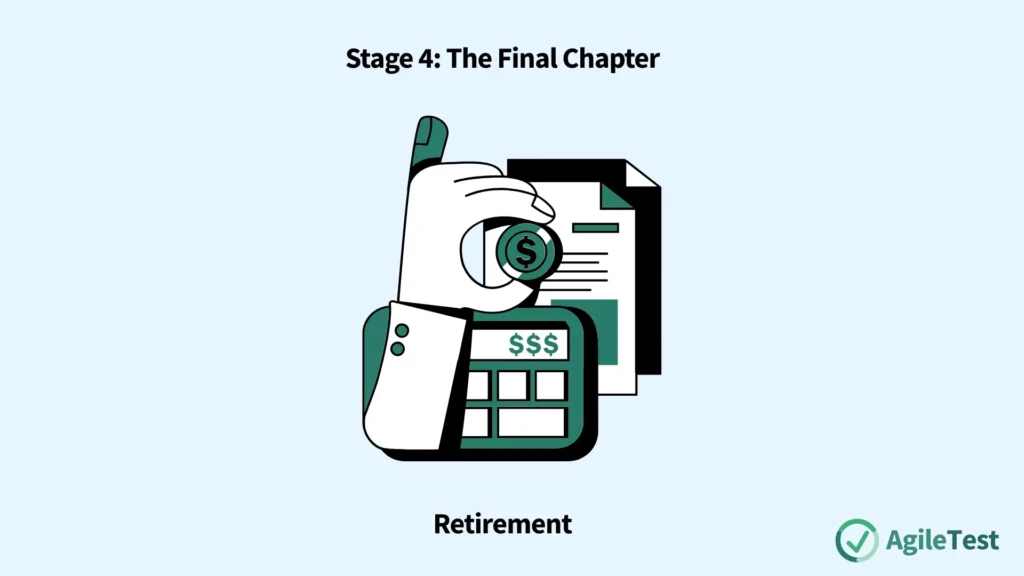
All tools, no matter how useful, eventually reach the end of its lifetime. The final stage of the lifecycle is planning for and executing a graceful retirement. This is not a sign of failure; it’s a natural and necessary part of technology management. The goal is to sunset the tool in a way that preserves its value and minimizes disruption to the organization.
The Triggers for Retirement
A tool is typically retired for one of two reasons:
- A Vendor Decision: The vendor may decide to discontinue the product, or they may be acquired by another company that sunsets the tool. In this case, retirement is forced upon you.
- A Strategic Decision: More commonly, the tool reaches a point where the benefits and opportunities of moving to a new tool exceed its costs and risks. Perhaps a newer, cloud-native tool offers far better integration and a lower total cost of ownership. Or maybe your team’s needs have simply outgrown the tool’s capabilities.
Refer to our guide to make the right tool decision: Tool Decision Blueprint: Avoid Hidden Traps, Gain Strategic Confidence
The Retirement Process: More Than Just Turning It Off
Retiring a tool requires a carefully managed project. It’s not as simple as uninstalling the software.
- Replacement: In most cases, the functionality supplied by the tool will be replaced by a new one. This means you are simultaneously retiring one tool while acquiring another, triggering a new lifecycle.
- Data Preservation: This is the most critical part of the retirement process. The historical data within the old tool is an invaluable asset. All that test history and defect data must be preserved and/or archived. This may involve a complex data migration project to move the data into the new tool, or it may mean archiving the data in a read-only format for compliance and future analysis. This process can be incredibly complex and time-consuming and must be planned for well in advance of the final shutdown date.
Conclusion
The journey of a test tool is long and complex, extending far beyond the initial excitement of its selection. By viewing your tools through the lens of a complete lifecycle—from the upfront decisions in Acquisition, to the daily diligence of Support and Maintenance, the careful management of Evolution, and the thoughtful planning of Retirement—you change your relationship with them.
When you manage the full lifecycle, you stop being a mere consumer of software and become a true steward of your team’s technical ecosystem. You ensure that every tool is a well-supported, high-performing asset that delivers continuous value. You prevent the slow decay of “shelfware” and the chaos of unmanaged change. This strategic, long-term approach is the hallmark of a mature engineering organization and is the key to maximizing the return on every tool investment you make.