
Test execution time tracking is essential for understanding testing effort, improving planning accuracy, and reporting progress in Jira. With the AgileTest release, teams can now track test execution time more precisely using timers and manual Jira time logging. This provides clear visibility into how long test executions take and where testing effort is actually spent.
This release strengthens test execution workflows by giving teams better control and visibility. It combines precise elapsed time tracking, Jira-native work logging, and improved execution ownership. The result is a more reliable foundation for reporting, capacity planning, and efficient collaboration across testing teams.
Let’s take a look at what’s new in this release.
Learn more here: January Release Note
Time Tracking for Test Executions ⏱️
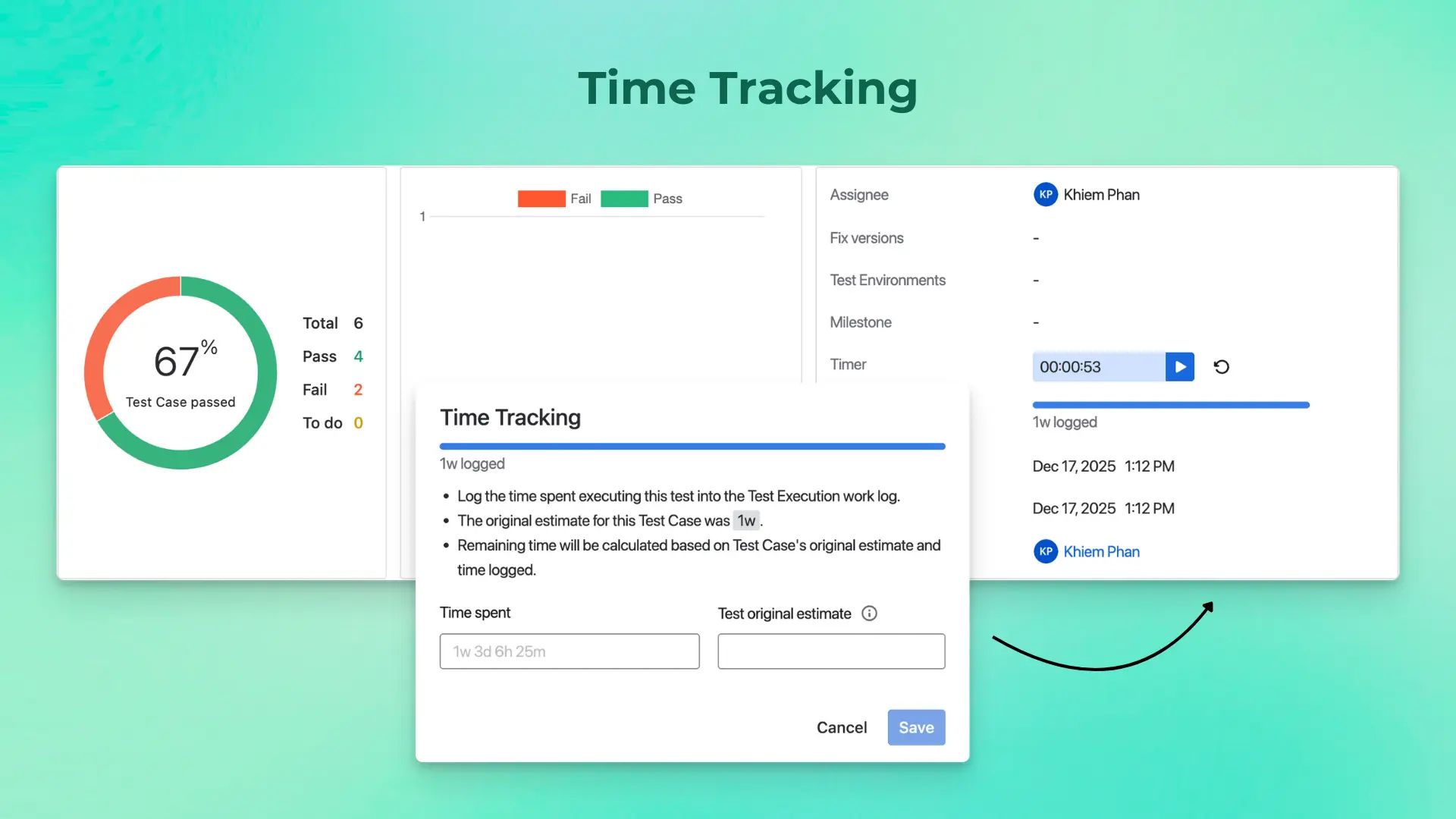
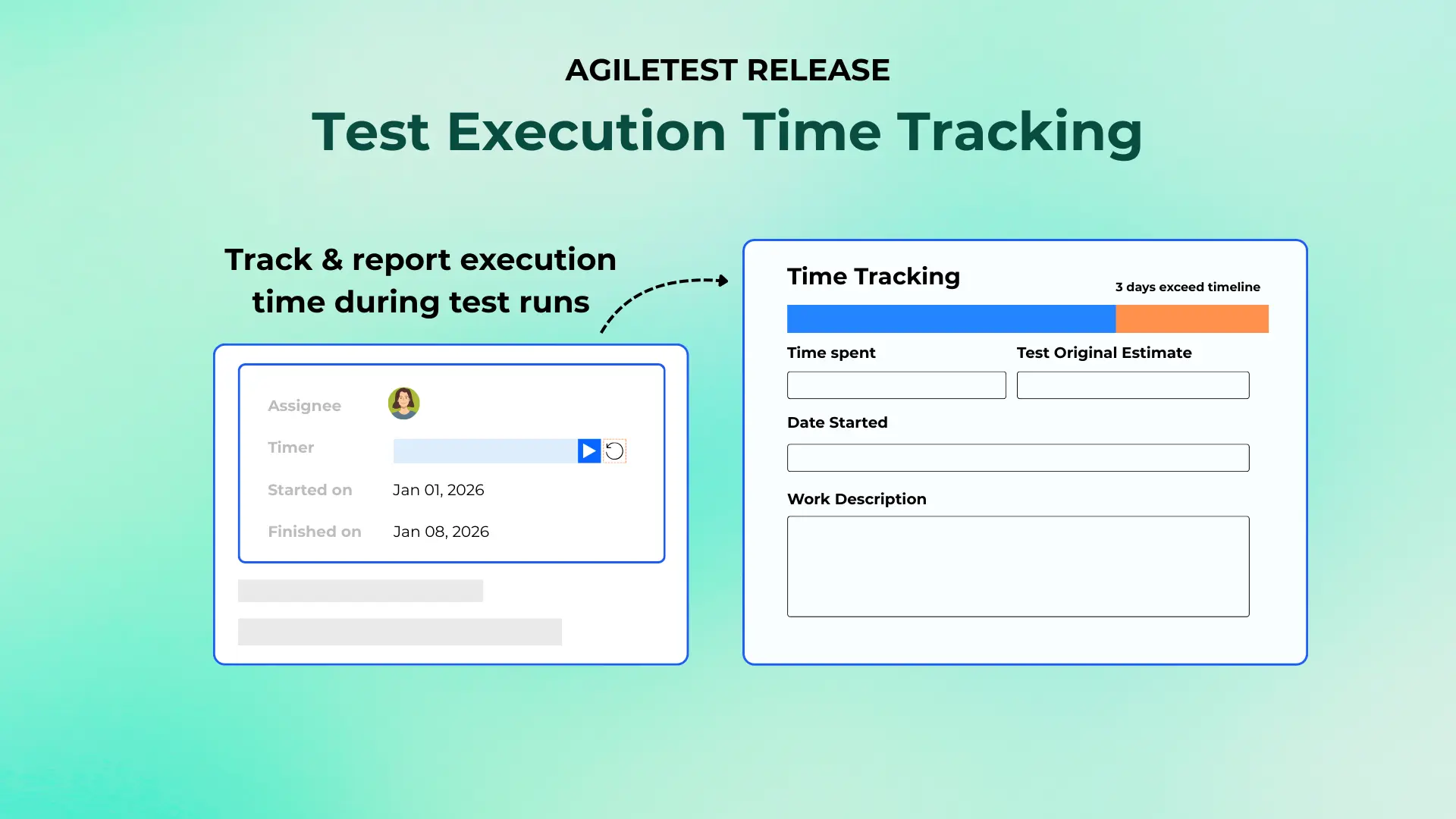
Understanding how long tests actually take is essential for planning, reporting, and improving efficiency. With this January, 2026 release, time tracking for test executions becomes more accurate and flexible.
When you execute a Test Execution, AgileTest can now calculate the elapsed execution time using the Timer, giving you a precise view of how long each execution takes in practice. This removes guesswork and provides meaningful insights into execution effort. In addition to timing, you can manually log execution time directly to Jira.
After completing a Test Execution, you can log your effort using the shortcut on the Test Run screen. You can also record time through Jira’s standard time tracking fields on the Test Execution issue. By combining both methods, teams can accurately capture execution time and work logs. This helps improve reporting, capacity planning, and cost tracking.
Test Run Assignee Management 👤
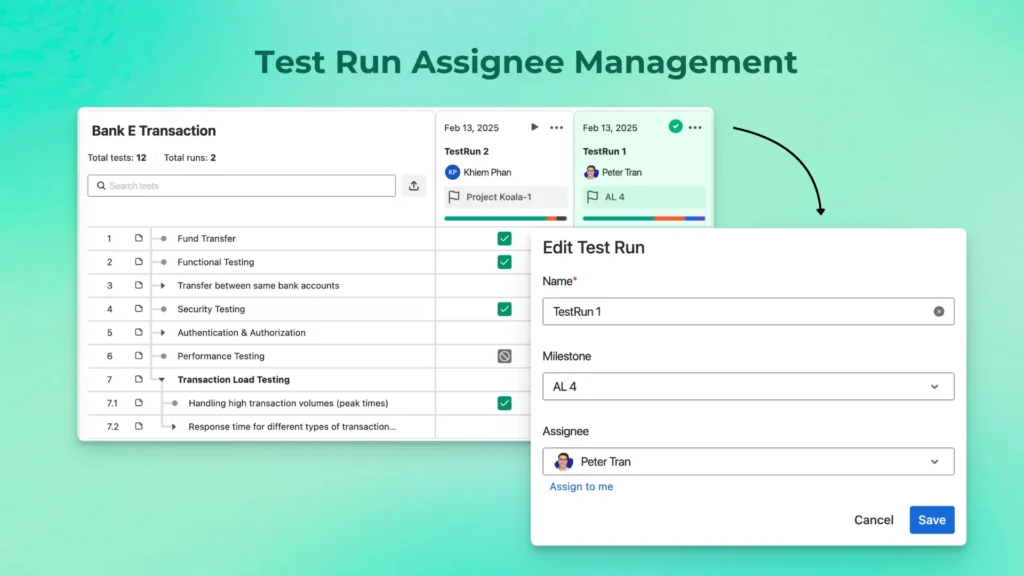
Clear ownership helps test runs move forward faster. With this release, you can assign teammates directly to Script Test’s Test Runs, making execution responsibility clear from the start.
Assigned users receive email notifications, helping ensure test runs are picked up promptly and reducing delays caused by unclear ownership or missed handoffs.
Defects Report Widget 📊
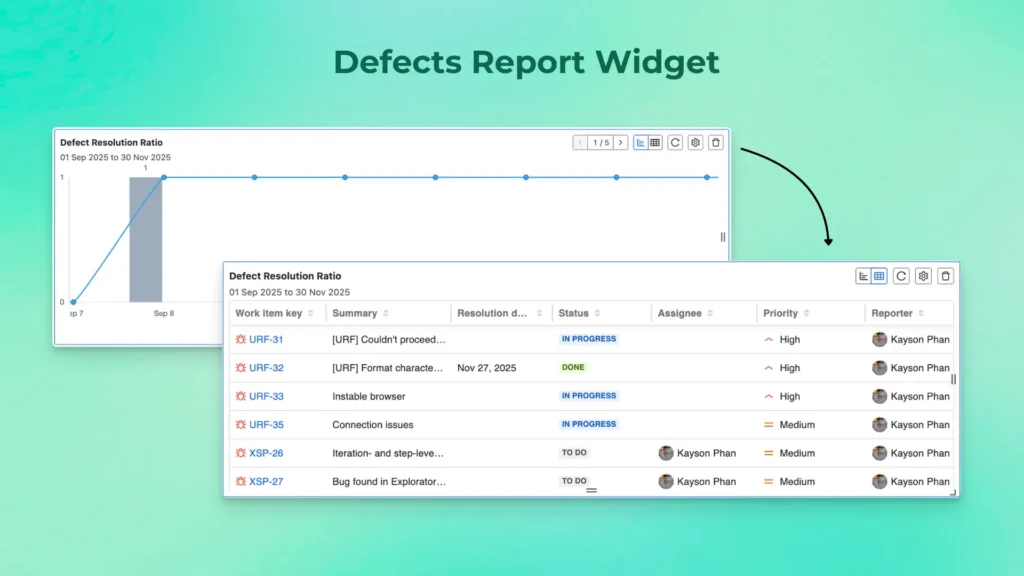
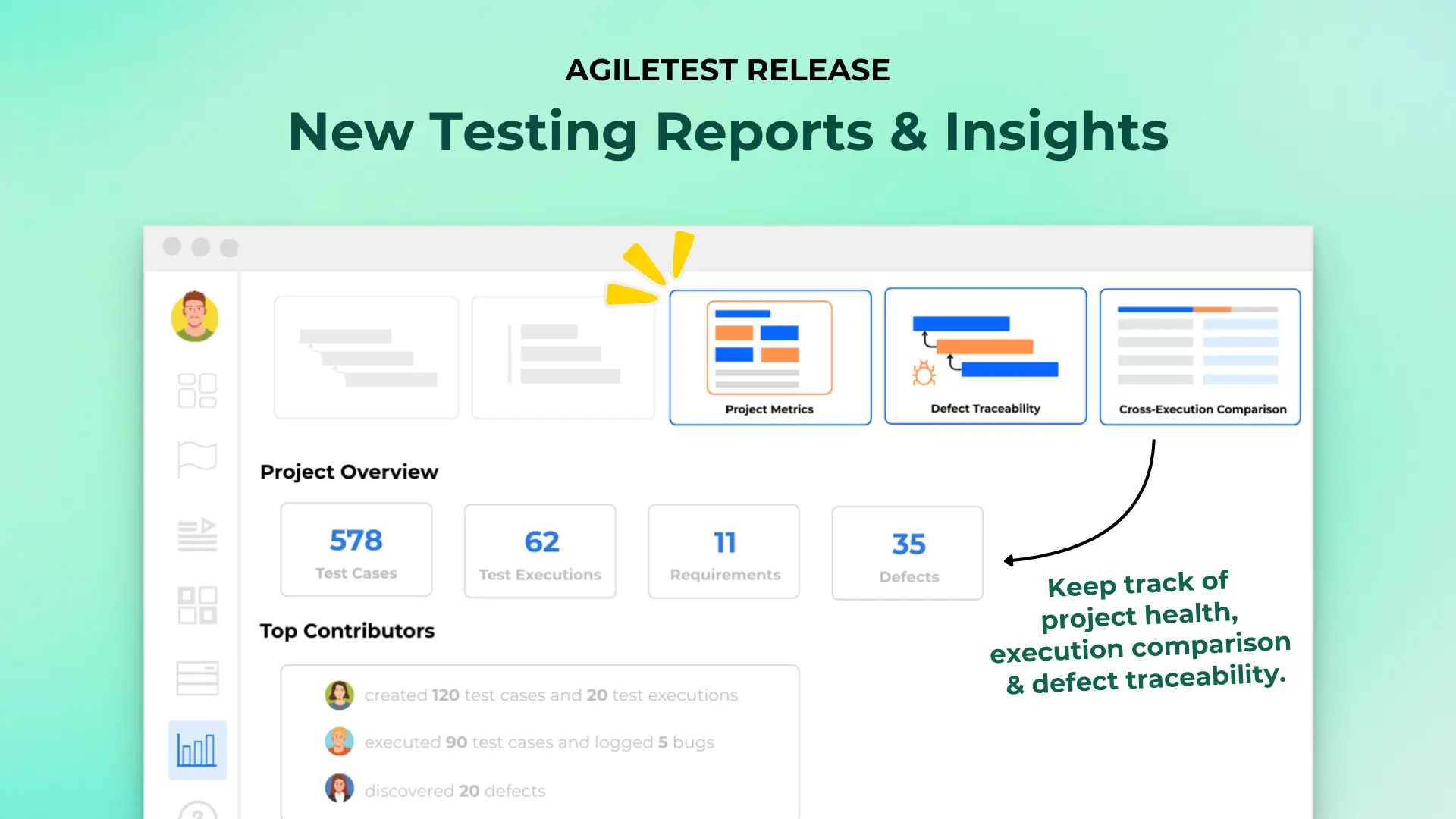
Tracking defect health is now easier and more transparent. The new Defects Report Widget allows you to view the ratio between opened and closed defects in a single view.
This at-a-glance view helps teams spot defect resolution trends faster. Teams can also assess testing health and progress without jumping between multiple Test Executions.
Filter Test Cases by Test Plan 🗂️
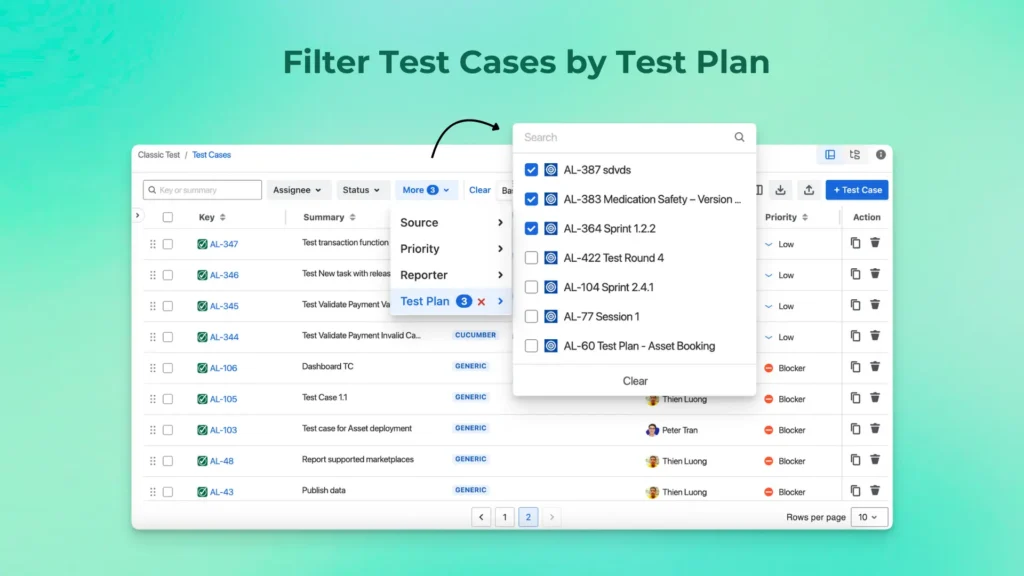
Managing large test repositories becomes more intuitive with improved filtering. You can now display Test Cases by Test Plan directly within the Test Cases folder, allowing you to quickly focus on the tests relevant to a specific testing scope or execution cycle.
This makes navigating complex test structures faster and more organized.
Expanded Issue Linking Across Projects 🔗
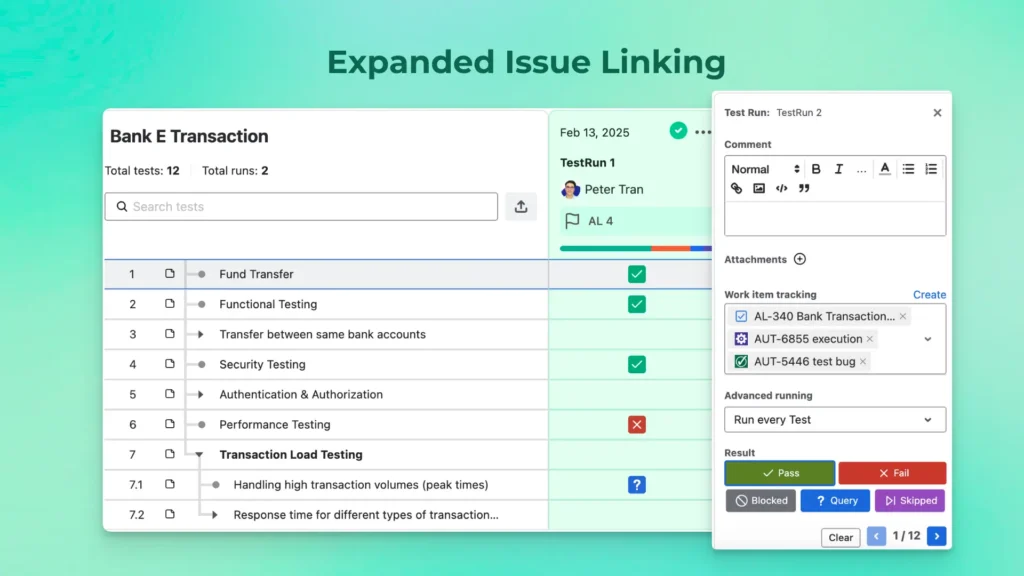
Testing often spans multiple teams and Jira projects. Script Test’s Test Runs now support linking work items from other Jira projects, rather than being limited to the same project.
This expanded linking capability gives teams greater flexibility when executing tests across shared initiatives, cross-team dependencies, or integrated delivery efforts.
Import Preconditions via CSV (with Key Mapping) 📄
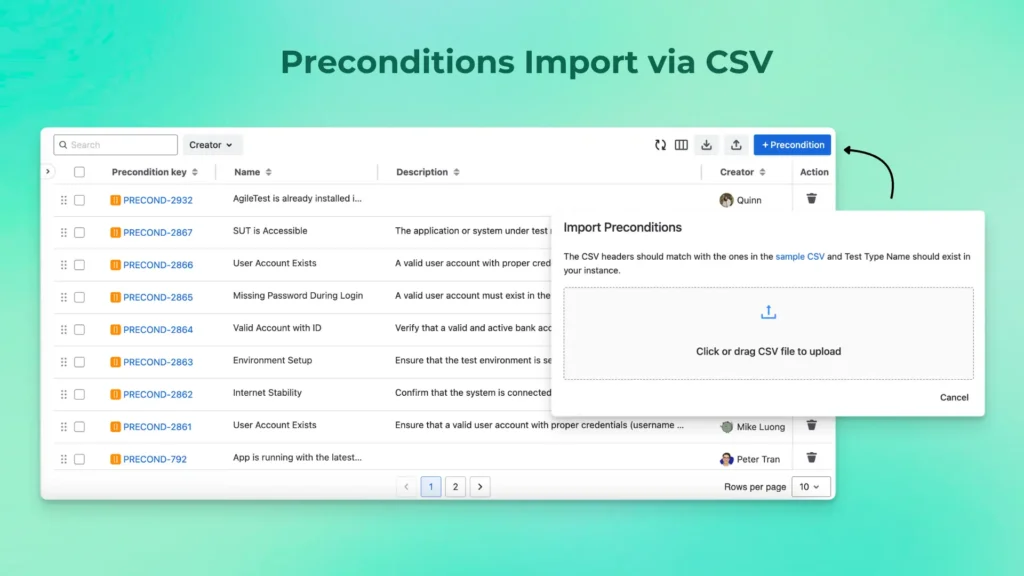
Setting up and maintaining test prerequisites is now faster and more scalable. With AgileTest January 2026 release, you can import Preconditions using a CSV file, making it easy to migrate existing data or create prerequisites in bulk.
Thus, when importing Test Cases, you can also map existing Precondition keys during the import process. This ensures your Test Cases remain linked to the correct prerequisites, helping teams avoid duplication, maintain consistency, and reuse Preconditions effectively across multiple tests.
Test Folder Sharing 🔗
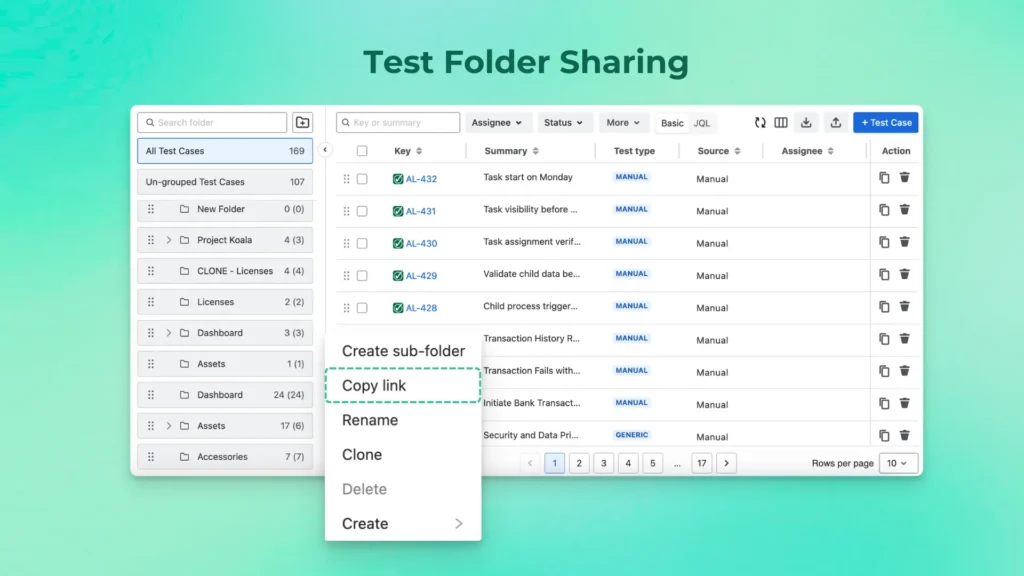
Collaboration is smoother with Test Folder sharing via direct links. You can now share Test Folders with your team by copying a direct link, making it easier to guide teammates to relevant test suites and ensure everyone is working from the same test structure.
Improvements
UI Enhancements🎨
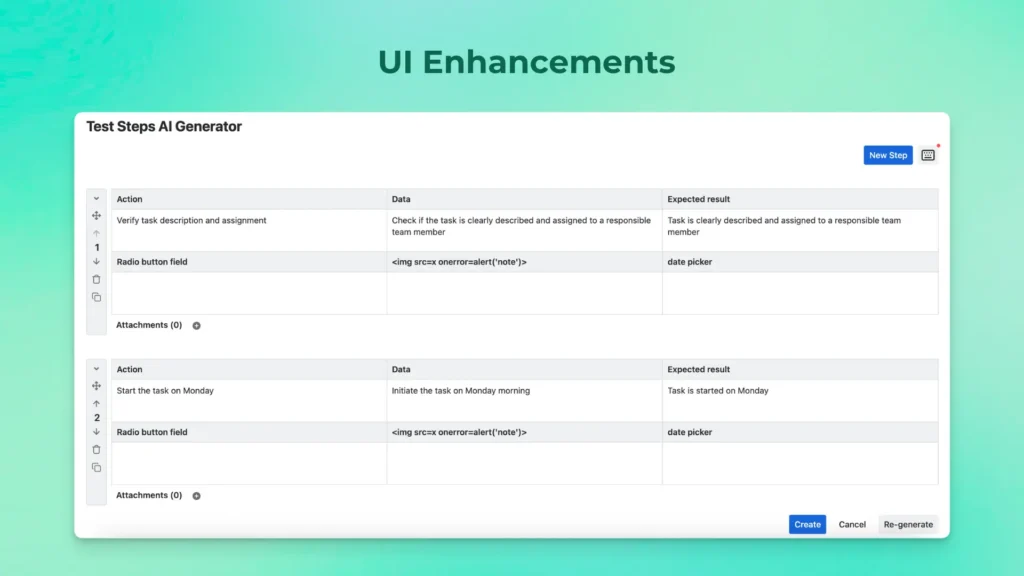
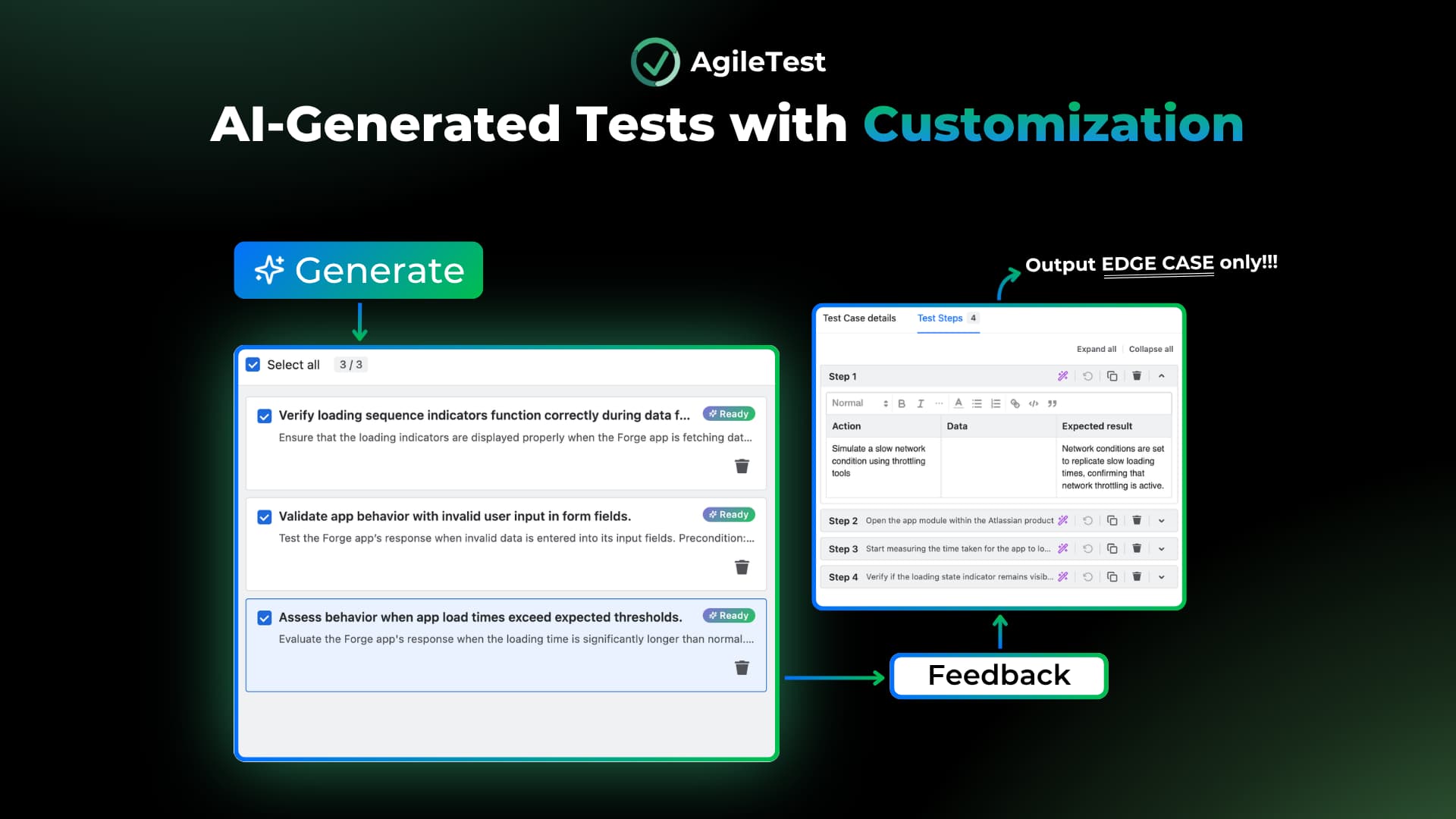
Additionally, The Test Step Generator and Test Step Fields have been refined with an improved interface, providing a smoother and more consistent experience when creating and maintaining test steps.
Increased Widget Display Limits 📈
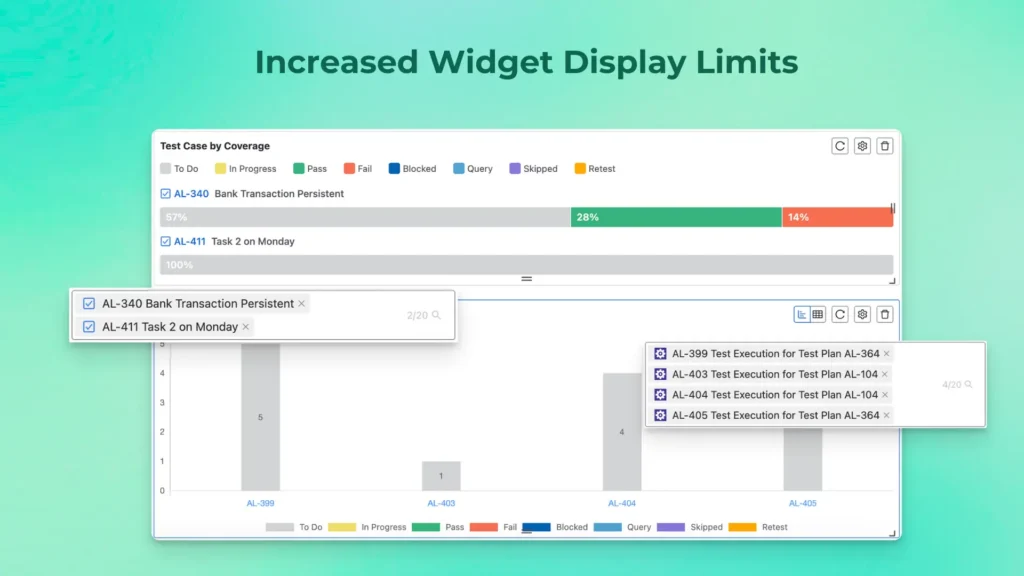
Widget now can show more Test Cases in the Test by Coverage widget and more data in the Test Execution Summary Chart. This gives you better visibility into coverage and execution progress without extra filtering.
Sprint Column in Test Executions 🏁
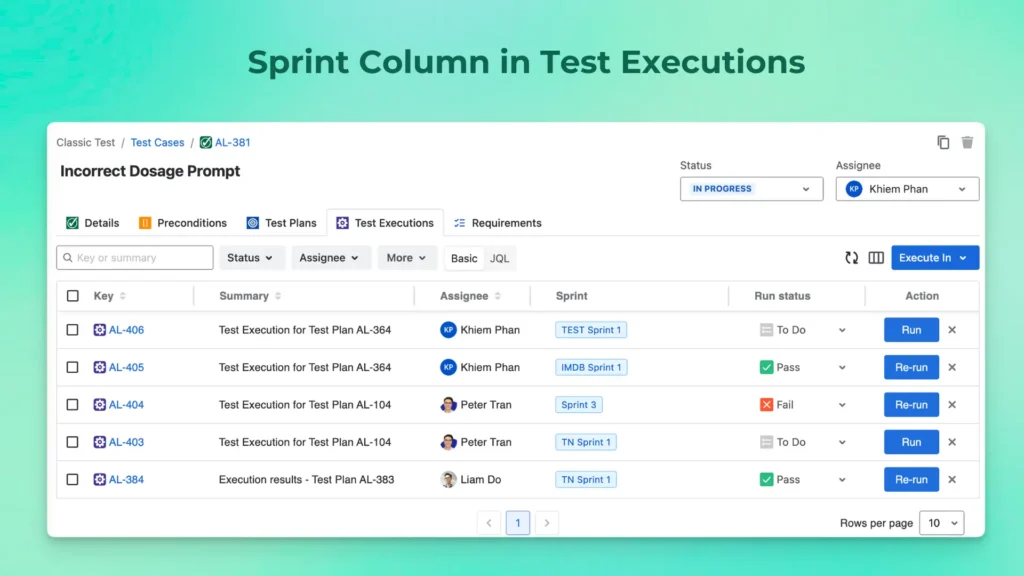
A new Sprint column has been added to Test Executions, allowing you to view Sprint information alongside Releases. This improves traceability between test cases, sprint planning, and execution progress.
Conclusion
AgileTest is designed to give teams better visibility and control over how testing work is executed in Jira. This release enhances test execution time tracking, collaboration, and reporting. Teams can plan more accurately and move forward with confidence.
Key highlights in this release include:
- Test Execution Time Tracking: Calculate elapsed execution time using the Timer and manually log effort to Jira for accurate reporting and planning.
- Clear Execution Ownership: Assign teammates to Test Runs and notify them via email to keep executions moving without delays.
- Improved Defect Visibility: Track opened vs. closed defects with the Defects Report Widget to better understand resolution trends.
- Smarter Test Organization: Filter Test Cases by Test Plan and share Test Folders using direct links for easier navigation and collaboration.
- Flexible Data Management: Import Preconditions via CSV and map existing Precondition keys during Test Case imports to maintain consistency and reuse.
Explore these updates to see how Test Execution Time Tracking in Jira can help your team gain clearer insights, improve planning accuracy, and streamline testing workflows. Let us know how these features support your testing goals—we’re always here to help. 🚀